Fleet Management System in Carla
Remote fleet management service with manual and automatic drving.
Note
This service is for carla version 0.9.16.
Download and build fleet management module
Download fleet management
git clone https://github.com/evshary/zenoh_autoware_fms.git
Install prerequisite
cd zenoh_autoware_fms
./prerequisite.sh
Run Autoware with Carla
Follow either tutorial to run Carla, bridge and Autoware. Pick the same mode (rmw_zenoh or ros2dds) as you will use for the FMS server below.
Run Fleet Management System
Run Web & API fleet management server.
cd zenoh_autoware_fms
# Option A: rmw_zenoh
just run_rmw_zenoh
# Option B: ros2dds
just run_ros2dds
Note
Please make sure to source ROS 2 environment before this step.
Note
If the FMS server runs on a different host than Autoware, point Autoware at the right FMS address. In rmw_zenoh mode, update the FMS endpoint in config/RMW_ZENOH_ROUTER_V1_CONFIG.json5 (and RMW_ZENOH_ROUTER_V2_CONFIG.json5 for the 2nd vehicle) so the rmw_zenohd router connects to the right address. In ros2dds mode, pass the FMS IP as the third argument to run-autoware.sh.
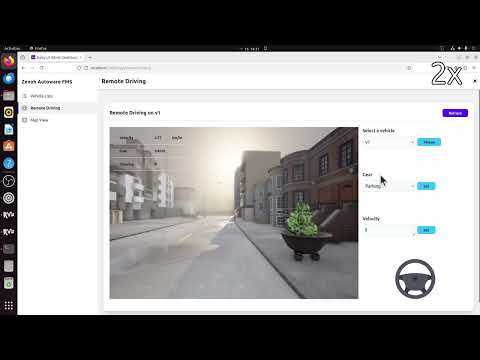
Visit the fleet management server at http://localhost:3000